Listings buyers can walk into.
We turn a listing's photos into a 3D home that runs in a web browser. Buyers walk every room, open the fridge, run the taps, repaint the walls, then step outside and look at the view.
Every image on this page is a screenshot from a real Property Sim 3D walkthrough.A photo shows one moment. This shows them all.
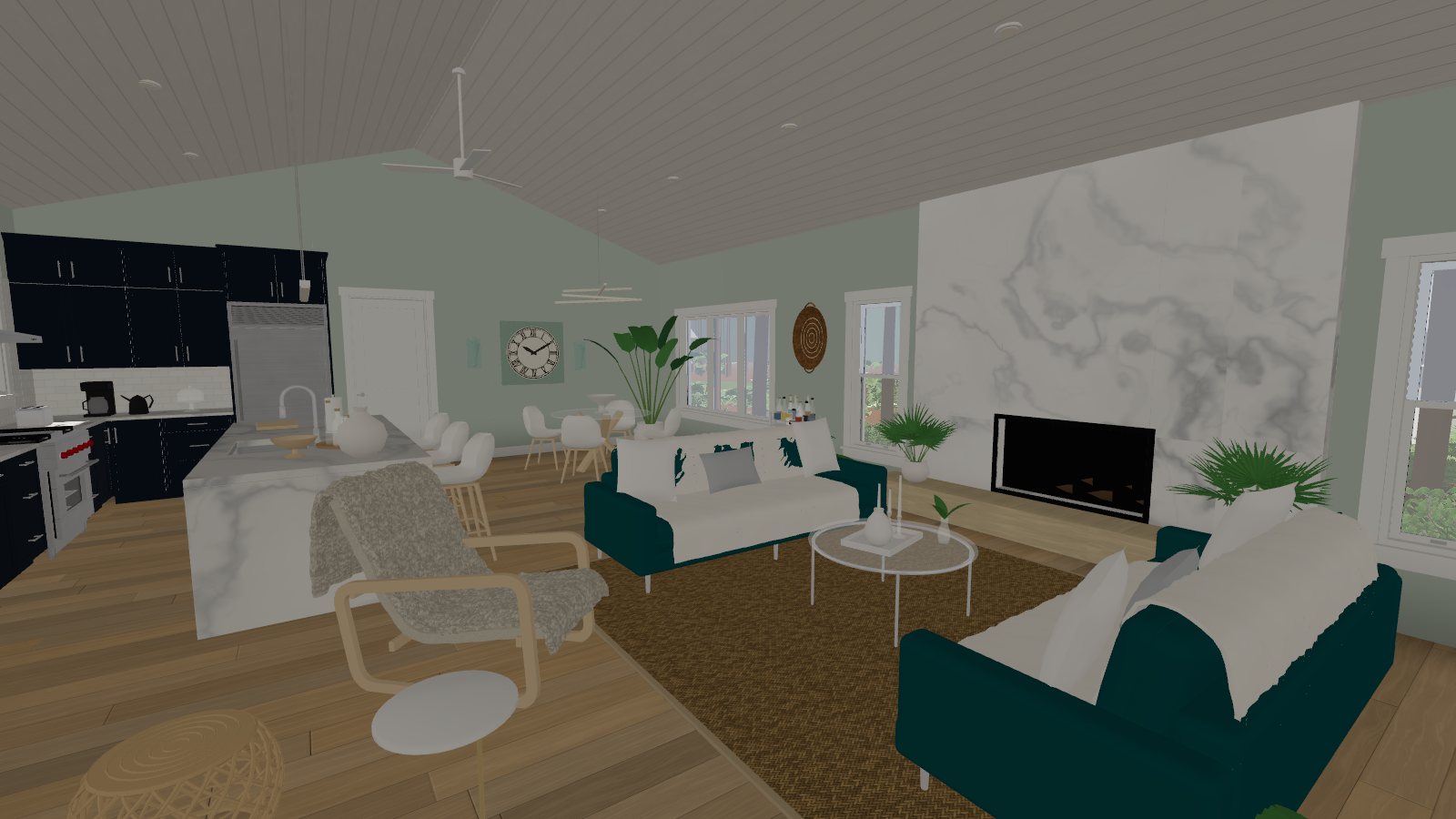
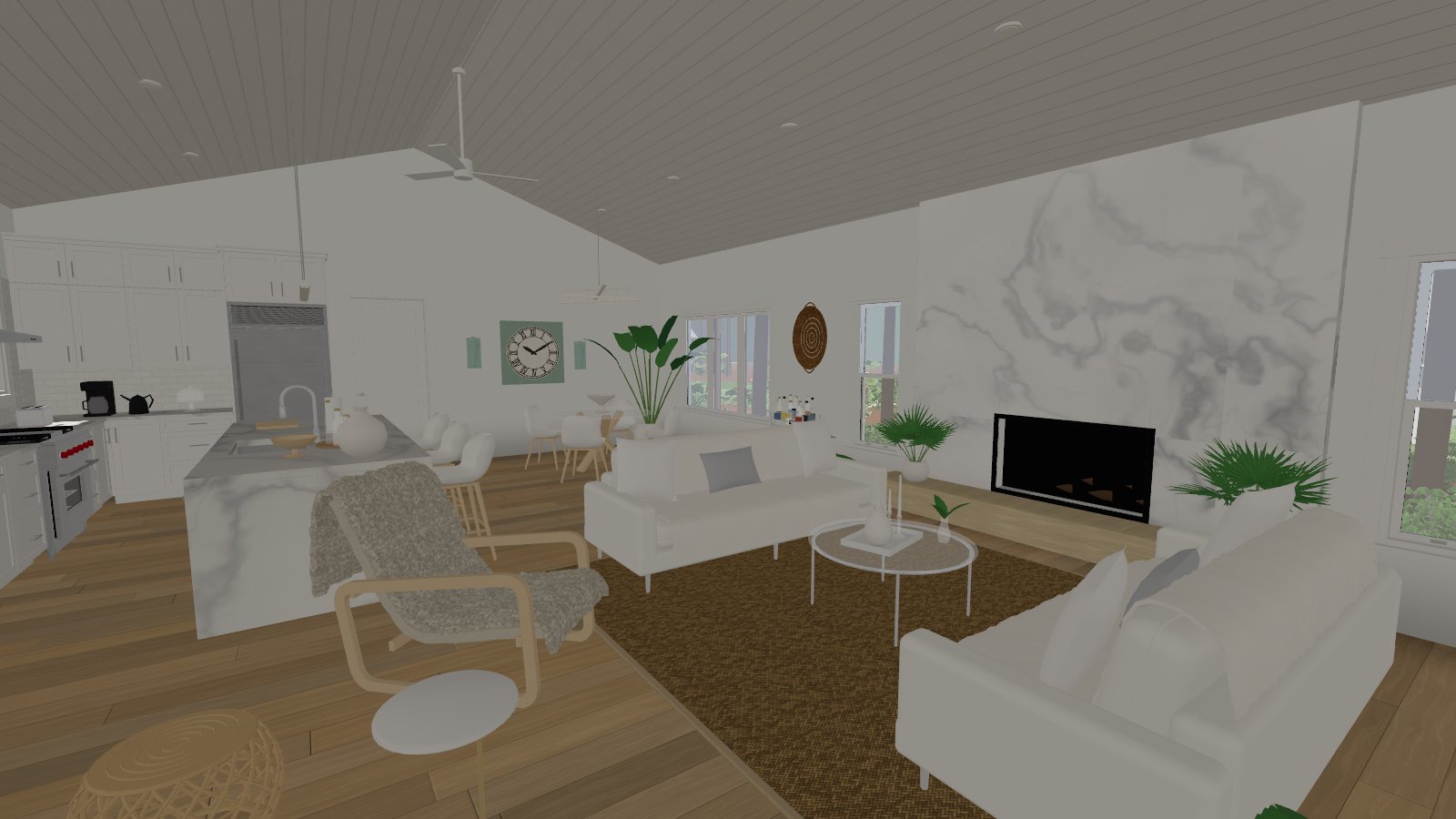
Drag the handles. Both pairs were captured from the same spot in the same walkthrough, seconds apart.
 As listedBuyer's colours
Any colour, on any surface
Walls, cabinets, sofas, bedding, siding, the front door. Buyers pick from curated swatches or any colour they like, and the room changes as they watch.
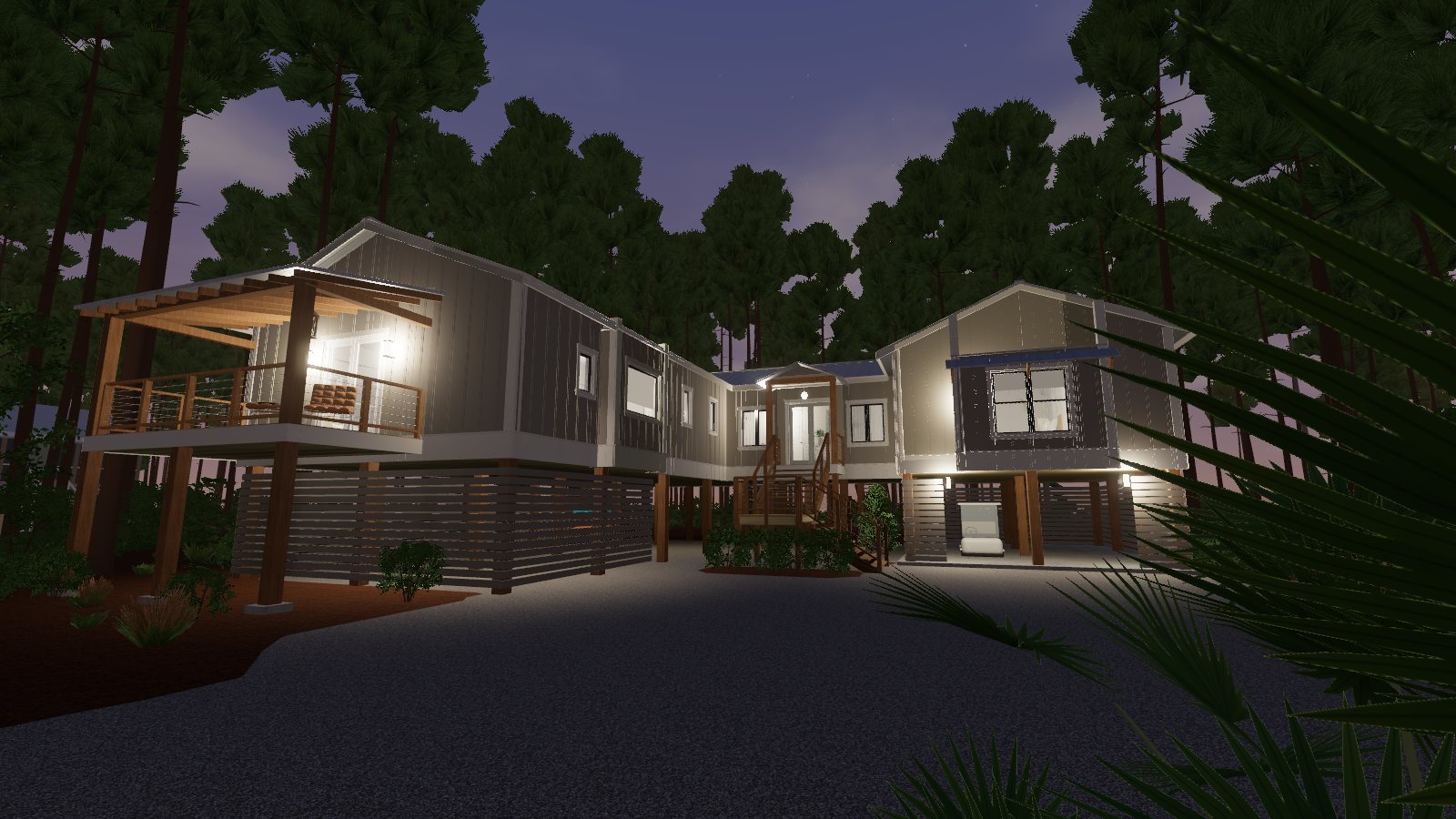
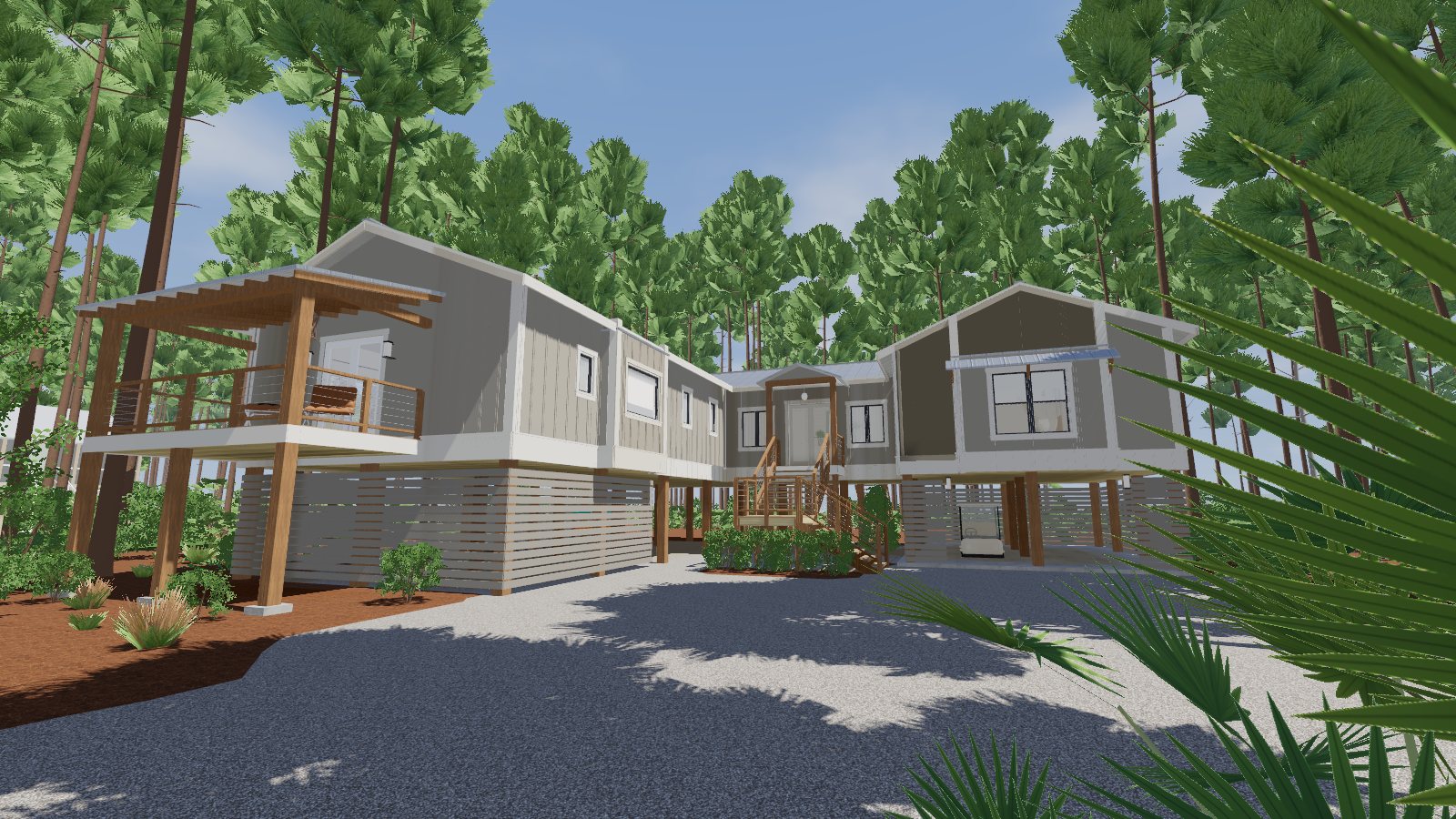 10:30 am8:05 pm
Morning light to porch lights
A time-of-day slider moves the sun across the sky. When it gets dark the lights come on, and buyers can switch any of them on or off.
What a buyer can do inside
It works like a first-person game: mouse and keyboard on a computer, thumbs on a phone. There is nothing to install.
Walk anywhere
Move freely through every room, up and down the stairs, and at a walk or a run. No fixed viewpoints and no jumping from dot to dot.
Open everything
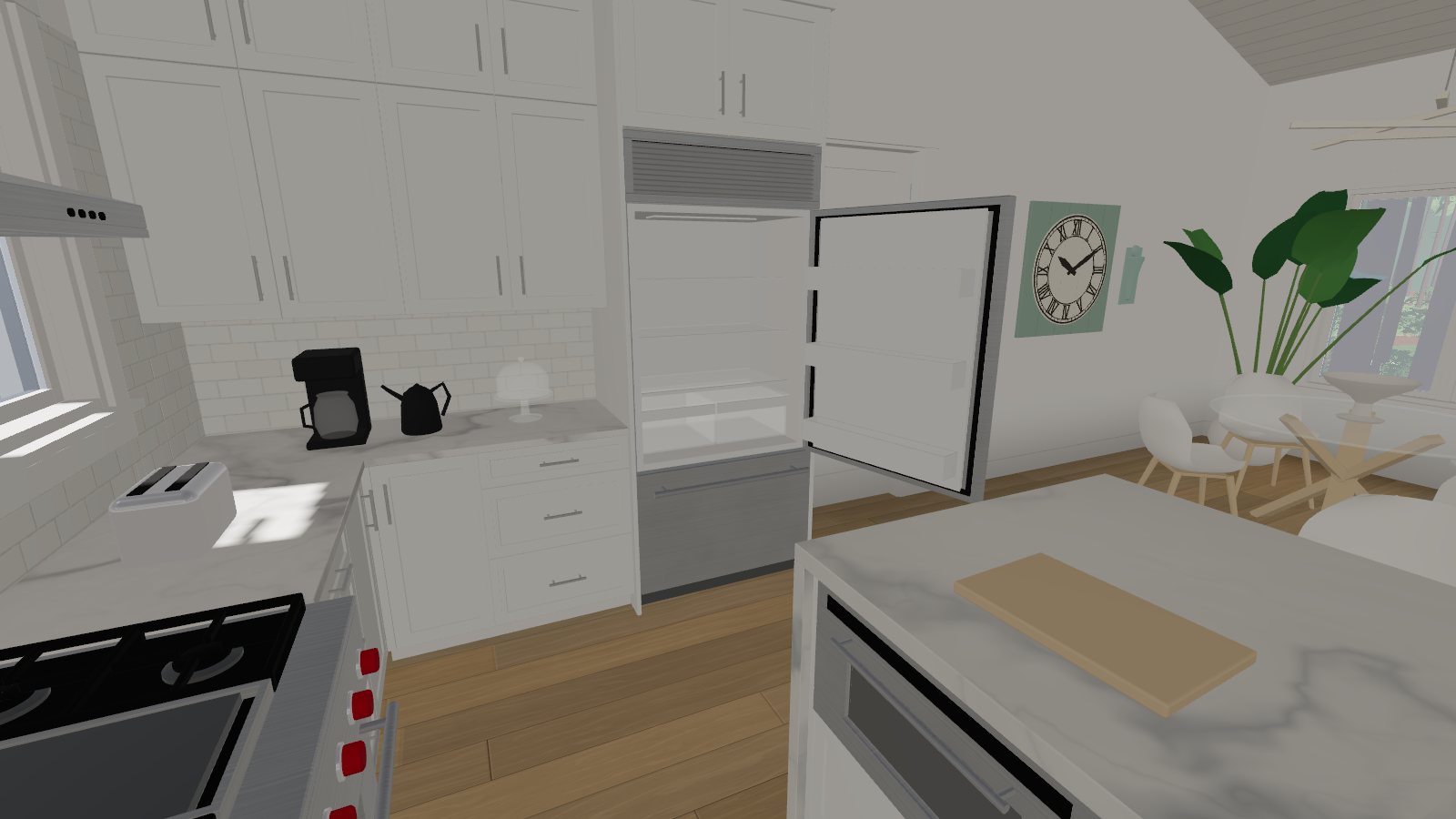
Doors, windows, drawers, cabinets, the refrigerator, the oven, the dishwasher. Each one swings or slides, with sound.
Run the water
Kitchen and bathroom taps, showers and the tub filler all turn on and off.
Repaint and restyle
Change the colour of walls, trim, cabinetry, furniture and the exterior, one surface at a time.
Set the time of day
See the house at sunrise, noon, sunset and after dark, with every light fixture working.
Empty the rooms
One button removes all the furniture and decor so buyers can picture their own.
Go outside
Leave by the front door, walk the porches, the driveway and the whole lot, and see the neighbouring homes and the view.
Hear the place
Footsteps change from wood to gravel, birds and wind sit outside, and the sound drops when a door closes.
Act on it
The price, square footage, a live mortgage estimate and the agent's contact details stay on screen throughout.
Step inside the demo home
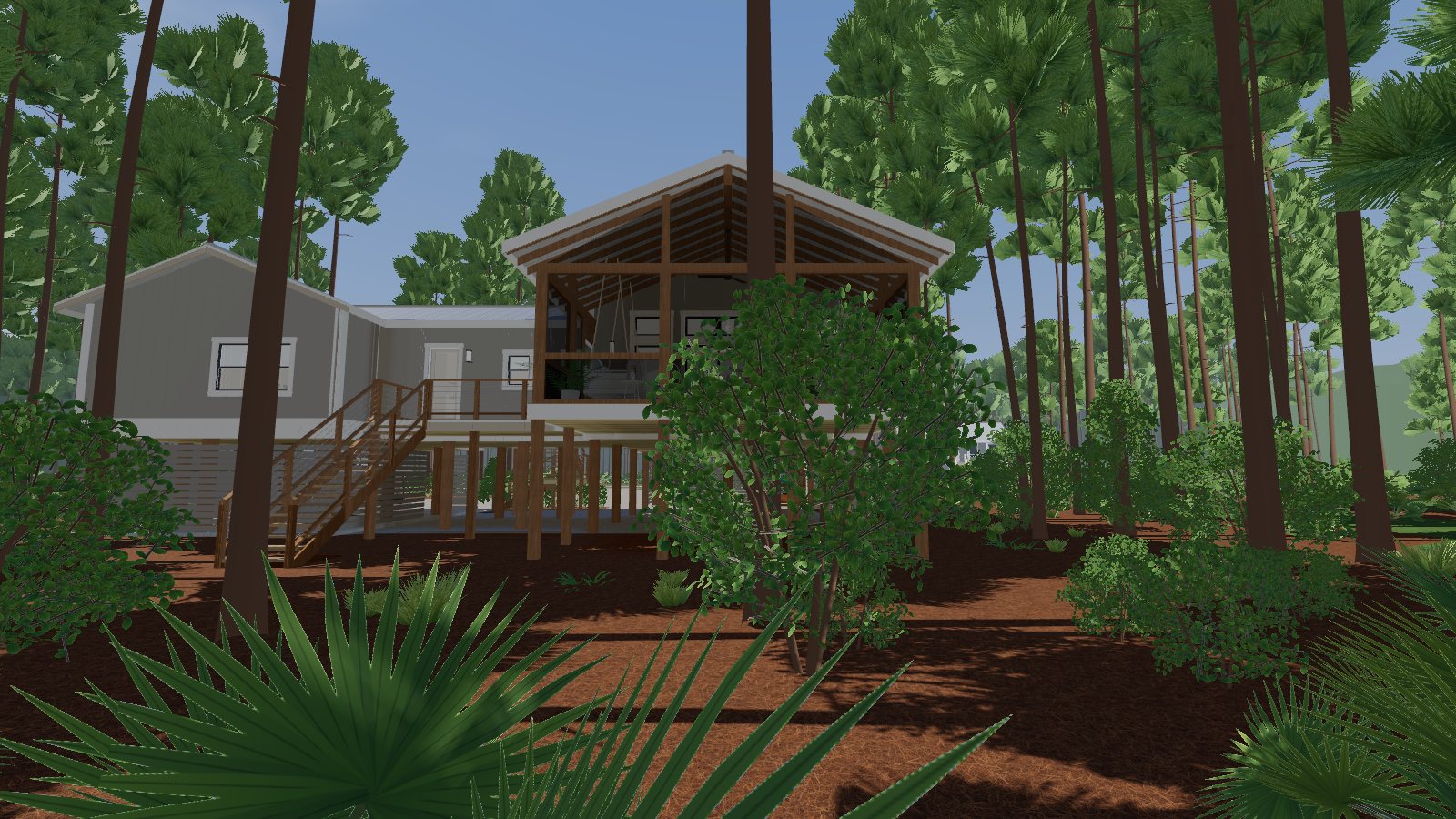
A three-bedroom raised coastal home on the Florida Panhandle, modelled from its listing photos. Take the stairs to the front door, or use the room list to jump straight to the kitchen.
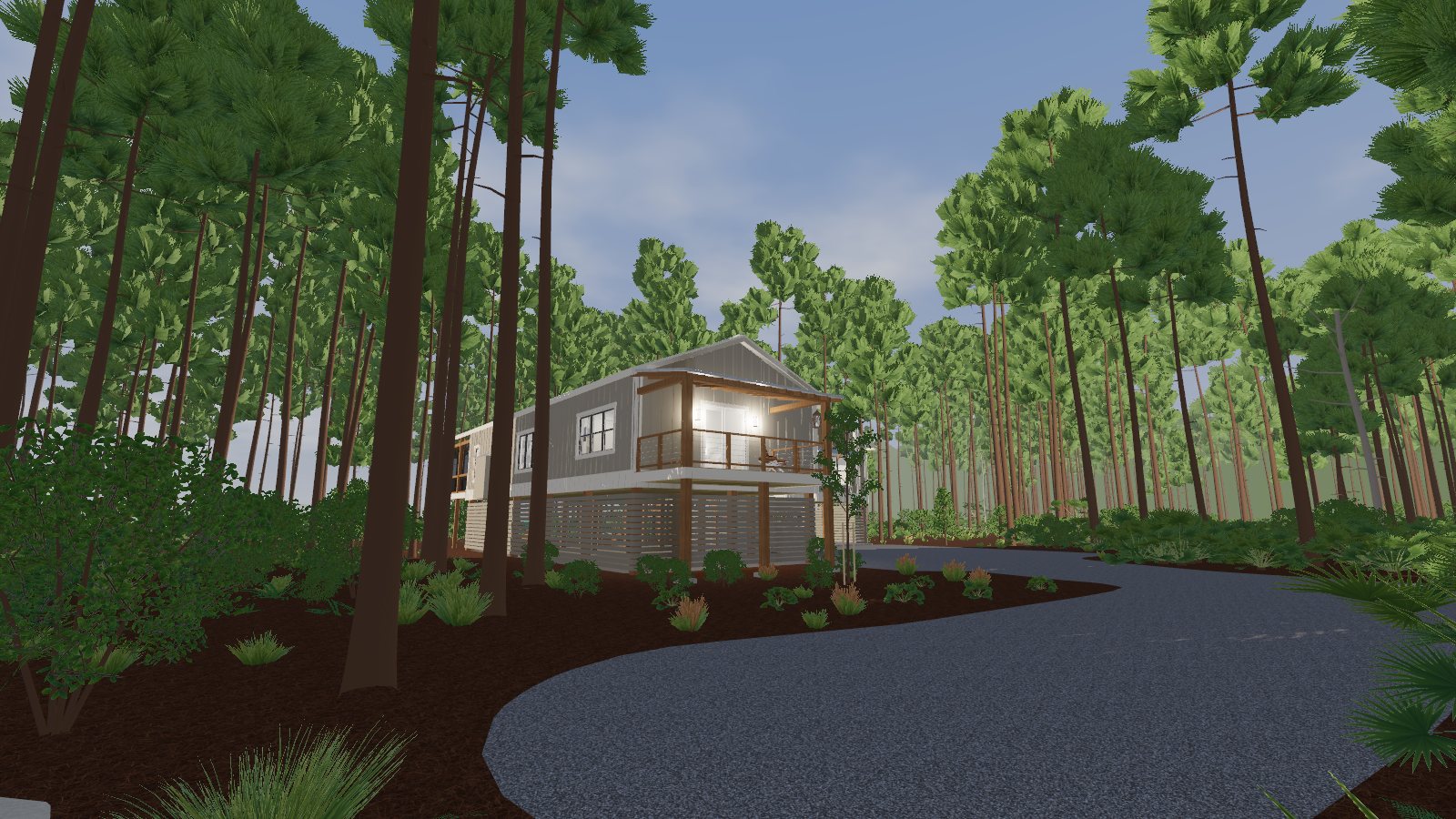
Walk with W A S D, look with the mouse, click to open things. The first load is about 25 MB.
Prefer a full window? Open the walkthrough in a new tab.
Why this beats a 360° photo tour
Scanned tours such as Matterport are photographs stitched together, so buyers look but cannot touch. A Property Sim 3D home is a working model.
| Property Sim 3D | 360° photo-scan tours | |
|---|---|---|
| Moving around | Walk freely, anywhere | Jump between camera positions |
| Doors, drawers, cabinets, appliances | All open and close | Fixed as photographed |
| Taps, showers, tub | Run on demand | Not possible |
| Wall, cabinet and furniture colours | Buyer chooses, live | Fixed as photographed |
| Time of day and lighting | Any hour, every light switchable | The moment of the scan |
| Outside the house | Walk the whole lot, see neighbours and the view | Only where a camera was placed |
| Site visit needed | No. Built from the listing photos | Yes. An operator scans the property |
| Homes not yet built or furnished | Yes, from plans and finish selections | Needs a finished space to scan |
| What the visuals are | A 3D model matched to the photos | Photographs of the real rooms |
A scan is a photographic record, and nothing replaces listing photos for exact finishes. Property Sim 3D is the part photos and scans cannot do: letting a buyer use the house. Matterport is a trademark of its owner; Property Sim 3D is not affiliated with it.
From listing link to live walkthrough
Send the listing
A link to the listing is enough. A floor plan with dimensions makes the result more exact.
We build the home
Structure, cabinetry, appliances, furniture, lighting and the lot are modelled in 3D and made interactive.
You review it
Walk it yourself and tell us what to adjust, from a wall colour to a window that sits too high.
Share one link
Put it on the listing, in an email or on a yard-sign QR code. Buyers open it in their browser.
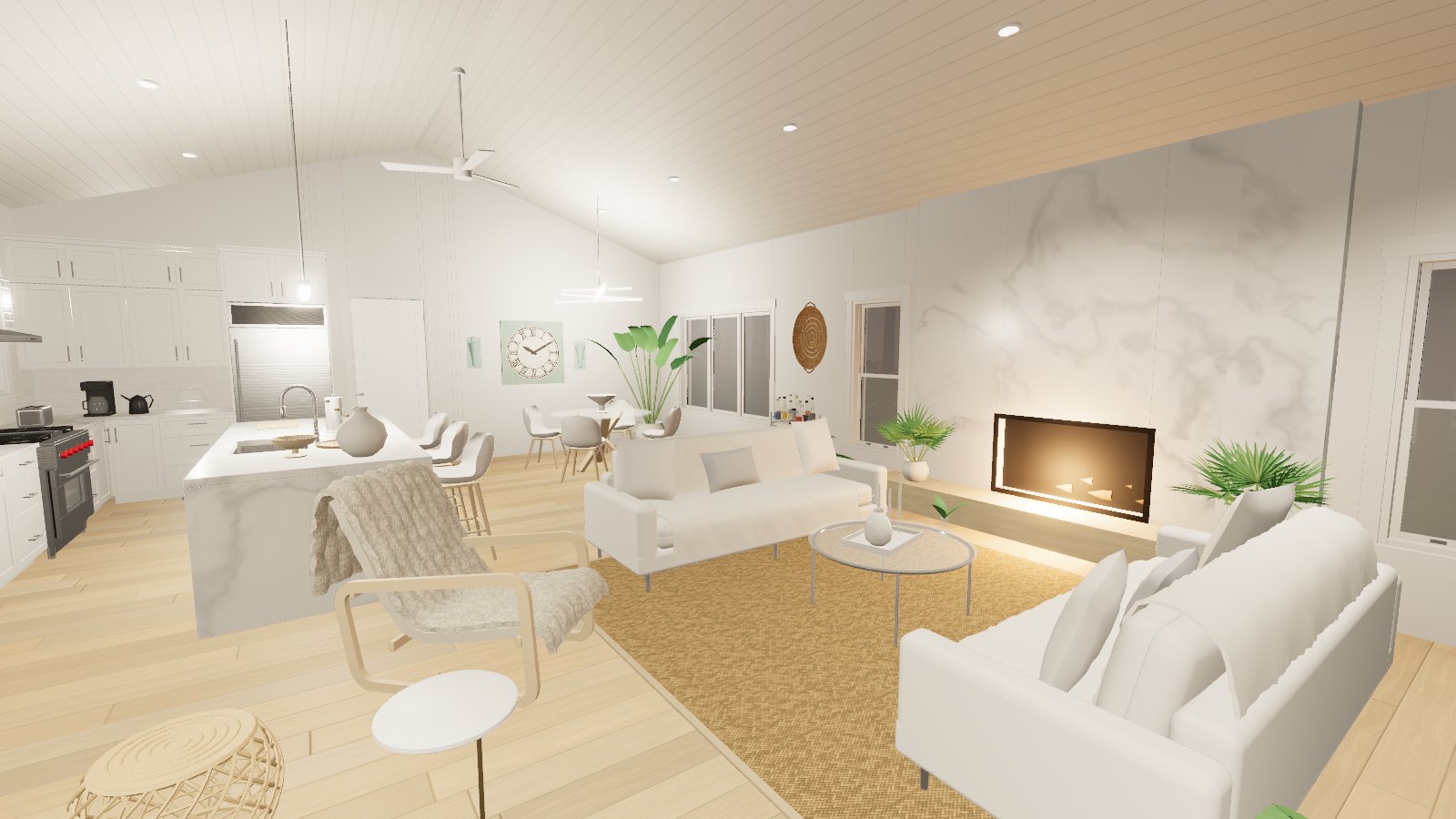
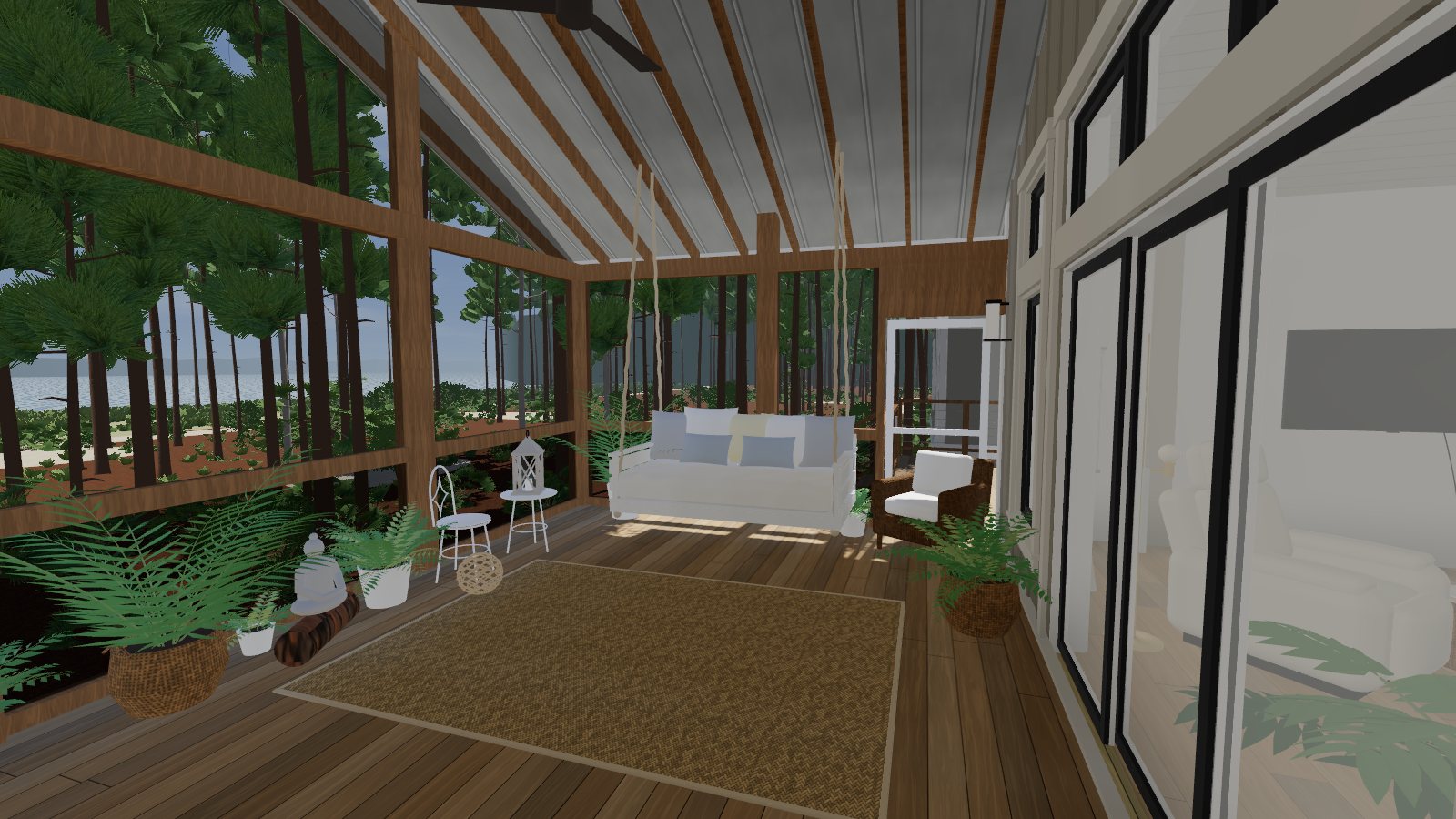
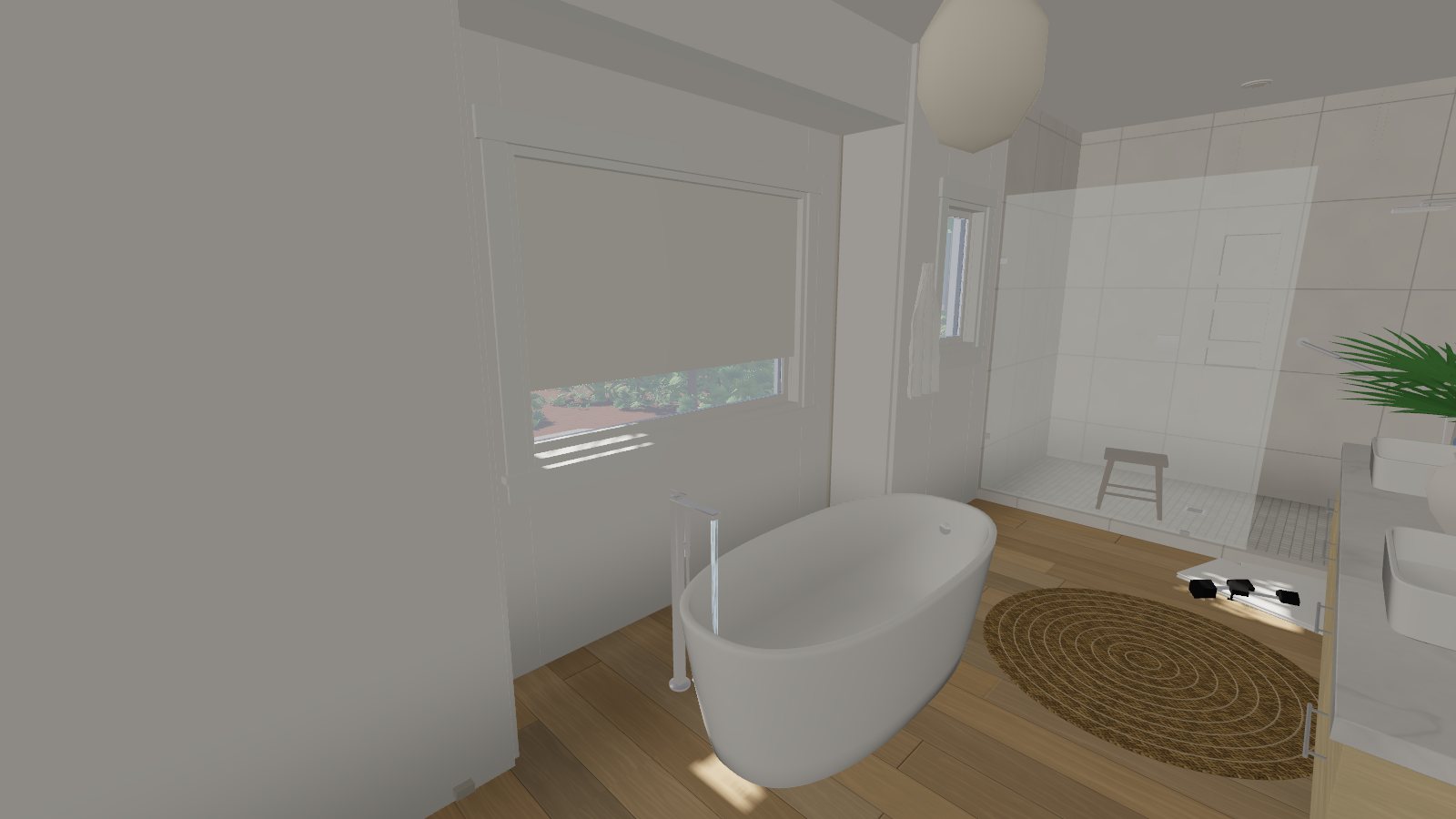
Scenes from the demo home
Who uses it
Listing agents and brokerages
Give out-of-town and relocating buyers a way to spend real time in a home before they travel, and give sellers a reason to list with you.
Builders and developers
Sell homes that are still drawings. Buyers walk the plan and try finish options before the slab is poured.
Vacation and second homes
Show the porch, the lot and the view, which is what buyers on the Gulf Coast are paying for.
Sellers
A walkthrough keeps working at midnight, on holidays and between showings, with no need to tidy the house first.
Pricing
Each home is quoted individually. The price depends on three things:
- Size and number of rooms
- How much of the lot and surroundings to include
- Whether a dimensioned floor plan is available
Now booking our first Panhandle listings
Property Sim 3D is new, so there are no client reviews to show you yet, and we will not invent any. Walk the demo home and judge the work for yourself. Founding clients get direct access to the person building their walkthrough.
Become a founding clientQuestions agents ask
What do you need from me?
A link to the listing, or the photos themselves. A floor plan with room dimensions is the single most useful extra. Without one, room sizes are worked out from the photos and the listed square footage.
How accurate is it?
The layout, room positions, fixtures and finishes are matched to the photos. Exact dimensions are only as good as the source material, which is why a dimensioned floor plan helps. The walkthrough is a marketing visual and does not replace a survey or inspection.
What does a buyer need to open it?
A link and a modern browser. On a laptop or desktop they use the mouse and keyboard; on a phone or tablet they walk and look with their thumbs and tap things to use them. There is nothing to download or install. Larger screens show the most detail.
Can it go on my own website or the listing page?
Yes. Each walkthrough is a self-contained web page. Link to it, or embed it in a page you already have.
Can it carry my branding and contact details?
Yes. The address, price, your name, brokerage and phone number, and a contact button are built into the screen.
Does someone have to visit the property?
No. The model is built from photos and plans, so nobody needs access to the home and nothing has to be staged for a scan.
Where do you work?
We are starting with listings on the Florida Panhandle. Because no site visit is needed, we can take on homes elsewhere too. Ask.
Get a quote for a listing
Send the listing link and we will reply with a price and a delivery date.